
Superbuy QC Photos: Ask for the View That Answers Your Question
Superbuy QC photos help you inspect visible features of an item at the warehouse. Use them to answer specific questions rather than asking whether a product is simply “good”. A clear question makes it easier to decide whether the existing images are enough.
Confirm identity before inspecting details
Check the item type, selected colour, quantity and visible option identifiers against your purchase note. If the images show a different version, resolve that first. Studying the stitching of the wrong product will not settle the order mismatch.
Then look for obvious visible damage, missing components and differences that matter to your intended use. Keep the product link and option record nearby so you are comparing against the right purchase.
Match the request to the decision
| Concern | Useful follow-up |
|---|---|
| Trouser waist may be too small | A clearly positioned measurement with the waistband condition specified |
| Bag closure is unclear | A close view showing the relevant closure and attachment |
| Shoes appear different at the heel | Comparable views of both heels, taken without one being hidden |
| Set may be missing a component | A view showing all included pieces together |
For example, an overhead picture of boots can show colour and included packaging without revealing the soles. It cannot settle a sole-pattern question. Request the missing view instead of interpreting an unseen area as satisfactory.
Understand image limits
Lighting can affect colour, perspective can distort proportions and a compressed image may hide small details. A ruler is useful only when its placement and scale are readable. A photograph does not establish long-term durability, comfort or authenticity by itself.
Ask for the minimum additional evidence needed to make your decision. Several general views can be less useful than one carefully specified close-up. Check any selected photo-service charge before submitting the request.
Keep community examples in context
Another buyer's image can teach you where to look, but it does not show your own order. Verify that it represents the relevant product version and retain its context if you discuss it. Remove account and personal information before sharing images publicly.
If a discrepancy remains, use the returns guide to organise the issue promptly. If the item is suitable, keep the relevant images with the order until it has been received and checked.
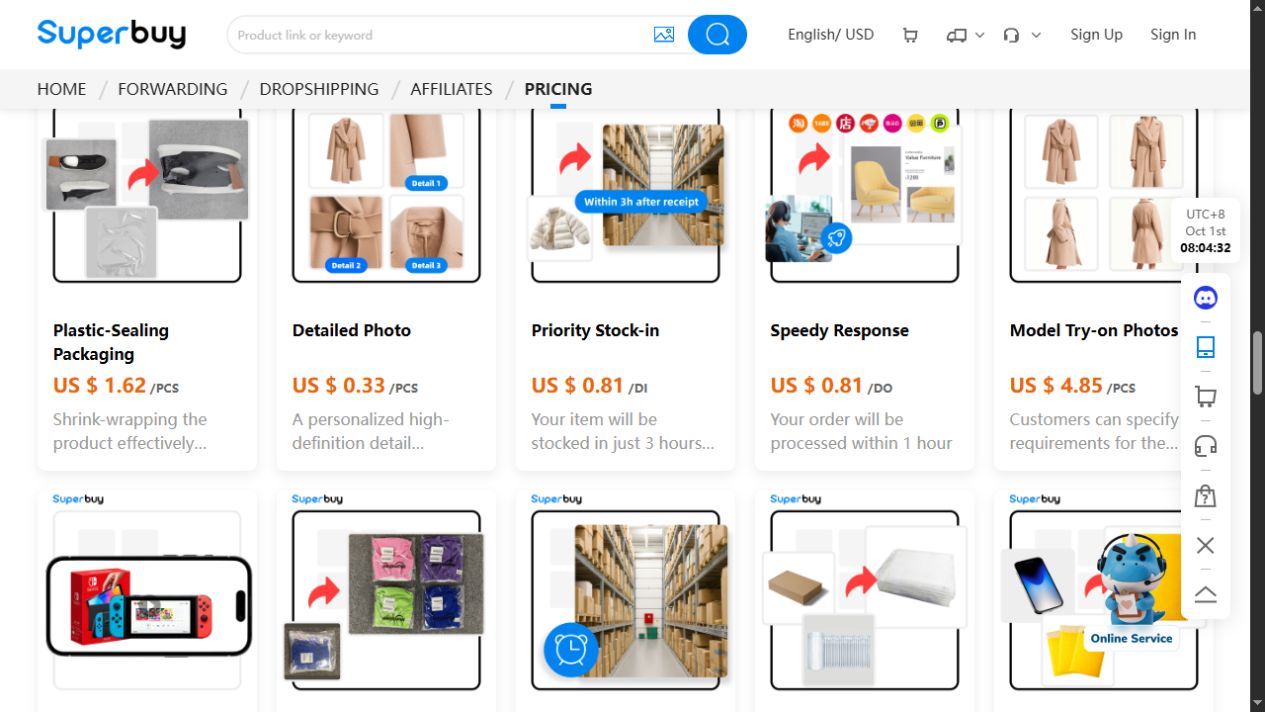
The service card captured on 1 October 2026 illustrates an optional detailed-photo request. Its USD display belongs to that dated interface, not a new price quotation. Choose a view that answers the question for your actual item.
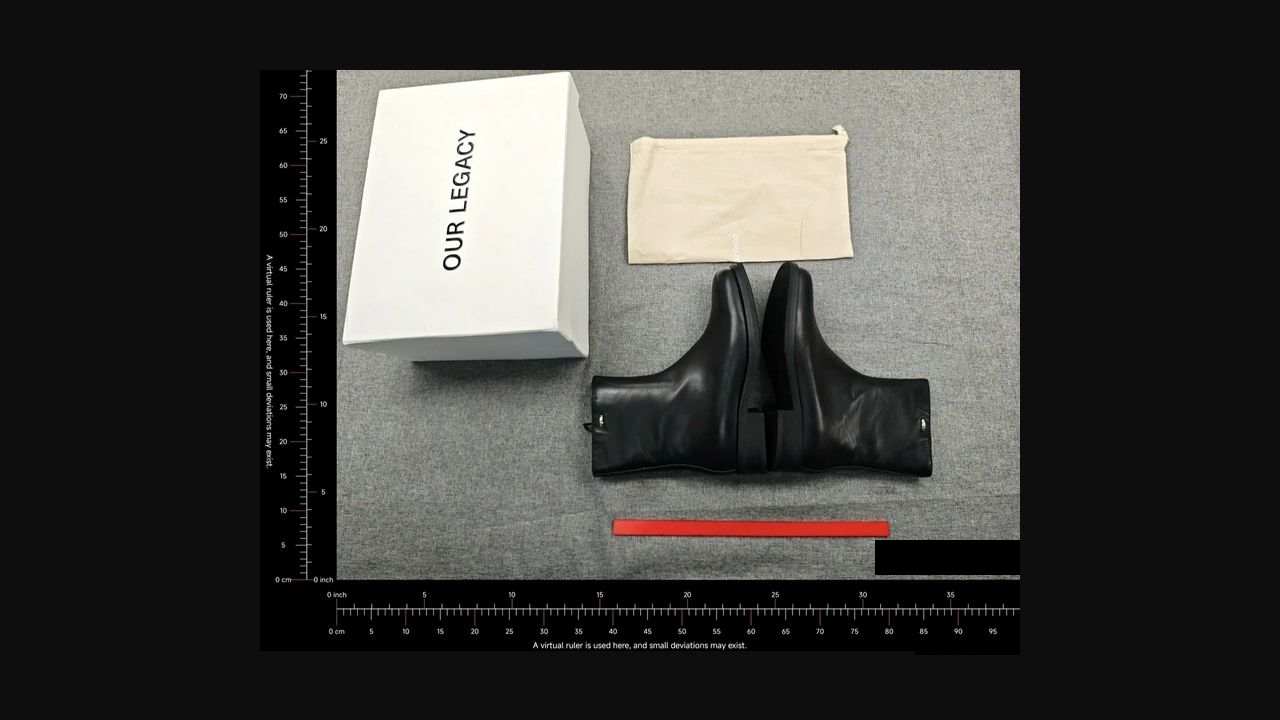
This community-reported Superbuy example shows boots beside a box and fabric bag. It is useful for discussing included pieces and packing needs. It does not show an outsole inspection or a readable size label; the virtual ruler is not a targeted fit measurement. This is not the Superbuy product linked below.
Put the checks into practice: view this running-shoe listing on Superbuy, then confirm the option and the detail that matters to your purchase.